How to Download TikTok Stories (Without Watermark)
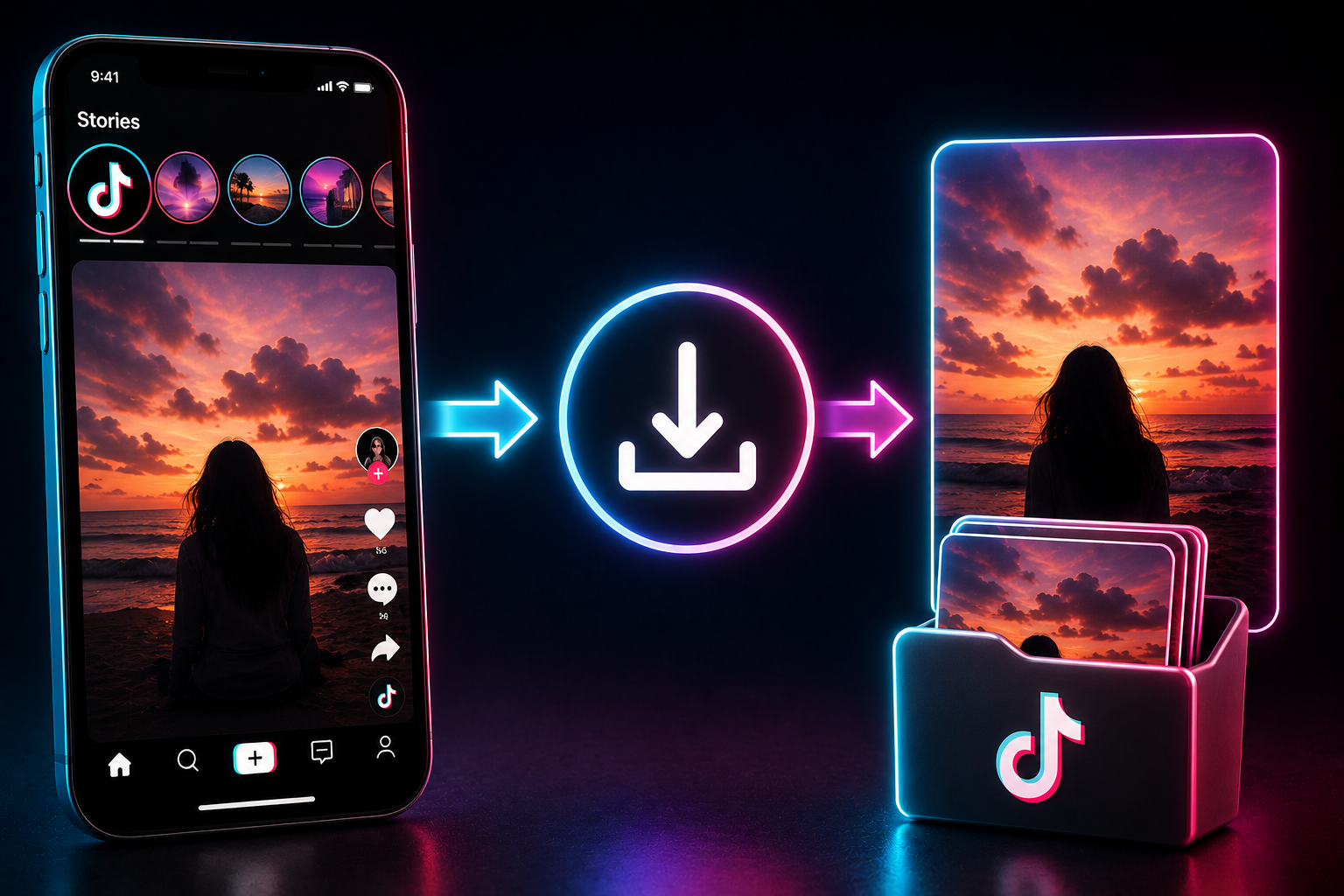
Table of Contents
Understanding the Ephemeral Nature of TikTok Stories
Following in the footsteps of Snapchat and Instagram, TikTok introduced the "Stories" feature to give creators a way to share spontaneous, behind-the-scenes, or low-stakes content without worrying about ruining the curated aesthetic of their main grid. By design, these stories are ephemeral, meaning they exist on the platform for exactly 24 hours before they automatically disappear.
Because they are temporary, users often post highly valuable, unscripted moments on their stories. This includes flash sales, raw opinions, quick vlogs, or exclusive announcements. The transient nature of this content creates a sense of urgency—fear of missing out (FOMO)—which is great for engagement but incredibly frustrating if you want to keep a piece of that content for future reference. Once the 24-hour countdown reaches zero, the video vanishes from the public eye forever.
Why Should You Download Stories?
There are countless legitimate reasons why you might want to learn how to download a TikTok story directly to your device:
- Content Archiving: If you run a fan account or appreciate a specific creator's daily vlogs, downloading ensures you have a permanent offline archive even after the story expires.
- Competitive Analysis: Digital marketers and small business owners often monitor competitor accounts. If a competitor runs a highly effective 24-hour flash sale on their story, saving it allows you to study their strategy later.
- Avoiding Link Rot: Sometimes you want to send a funny story to a friend, but they might not open their messages for a day. By the time they click the link, the story is gone. Sending the downloaded video file solves this issue instantly.
- Editing and Remixing: Creators often want to compile their own daily stories at the end of the week or month into a larger YouTube vlog or standard TikTok compilation. Having the raw files is essential.
Top Methods to Download TikTok Stories
There are several ways to save a TikTok story, but they are not all created equal. Depending on your needs regarding quality, watermarks, and device storage, you should choose the method that works best for you.
Method 1: Using the TikTop Web Downloader (Best for Quality)
If you want to save a story in full high-definition without the distracting bouncing TikTok watermark, a dedicated web downloader like TikTop is the optimal choice. It processes the URL on the server side and extracts the raw video file. Here is exactly how to do it:
- Open the TikTok app and navigate to the creator's profile whose story you want to save. You can identify an active story by the blue ring around their profile picture.
- Tap on the profile picture to view the story.
- While the story is playing, tap the "Share" icon (usually represented by a right-facing arrow).
- In the share menu, tap "Copy Link".
- Open your web browser (Chrome, Safari, etc.) and go to TikTop.online.
- Paste the copied URL into the central input box on the homepage and click the download button.
- The system will process the link and provide you with a high-quality, MP4 video file completely free of watermarks. You can save this directly to your phone's camera roll or computer's hard drive.
Note: This method only works for public accounts. If the creator has a private account, external web tools cannot bypass those privacy settings to fetch the video.
Method 2: Using the Native TikTok Save Feature
TikTok does have a built-in saving mechanism, but it comes with caveats. First, it stamps the video with a watermark containing the creator's handle. Second, the creator has the ability to turn off the download feature in their privacy settings. If they have disabled it, this method will not work.
- Open the story you want to save.
- Tap the "Share" button or the three dots icon on the right side of the screen.
- Look for a button that says "Save Video" (an icon with a downward arrow).
- If the button is there, tap it, and the video will be downloaded directly to your phone's gallery with the watermark applied. If the button is missing, you will need to use Method 1 or Method 3.
Method 3: Screen Recording (The Last Resort)
If a creator has disabled downloads, and their account is private (meaning third-party tools won't work), your only remaining option is to use your device's built-in screen recording functionality. While this guarantees you capture the content, it has significant drawbacks. You will capture all the UI elements (buttons, usernames, captions) over the video, the audio quality will diminish, and the file size will likely be bloated compared to a direct download.
To do this on an iPhone, swipe down from the top right to open the Control Center and tap the Screen Record icon. On Android, swipe down the notification shade and tap the Screen Recorder quick toggle. Play the story from start to finish, then stop the recording and trim the edges in your photos app.
Troubleshooting Common Issues
Sometimes you might run into errors when trying to download stories. Here is how to navigate them:
- "Video is Private or Unavailable": This happens if you are trying to use a web downloader on a private account. Third-party tools cannot access private data. Screen recording is your only choice here.
- The Link Format is Wrong: Make sure you are copying the link specifically from the Story viewing interface, not the general profile link. The URL structure for a story differs from a standard video.
- The Story Expired Mid-Download: If you try to process a link at the exact moment the 24-hour timer runs out, the server will return an error because the file no longer exists on TikTok's public servers.
Frequently Asked Questions
Does TikTok notify someone if I download their story?
No. TikTok does not send notifications when someone saves a video or copies the link to a story. The creator will see that you viewed the story, but they will not know you downloaded it.
Can I download photo stories?
Yes. Many creators post static images as stories. The process is exactly the same, but the output file might be a static image file (JPG/PNG) or a short video file depending on how TikTok rendered it.
Is it legal to download other people's stories?
Downloading content for personal, offline viewing (like keeping a memory) is generally acceptable under standard fair use concepts. However, downloading someone else's story and reposting it as your own without permission is a violation of copyright and community guidelines.
Try the TikTop Story Downloader
Ready to save that story before the 24 hours are up? Drop the link into our tool and get your watermark-free video instantly.
Go to Downloader