MP4 vs MP3: Which TikTok Download Format Is Best?
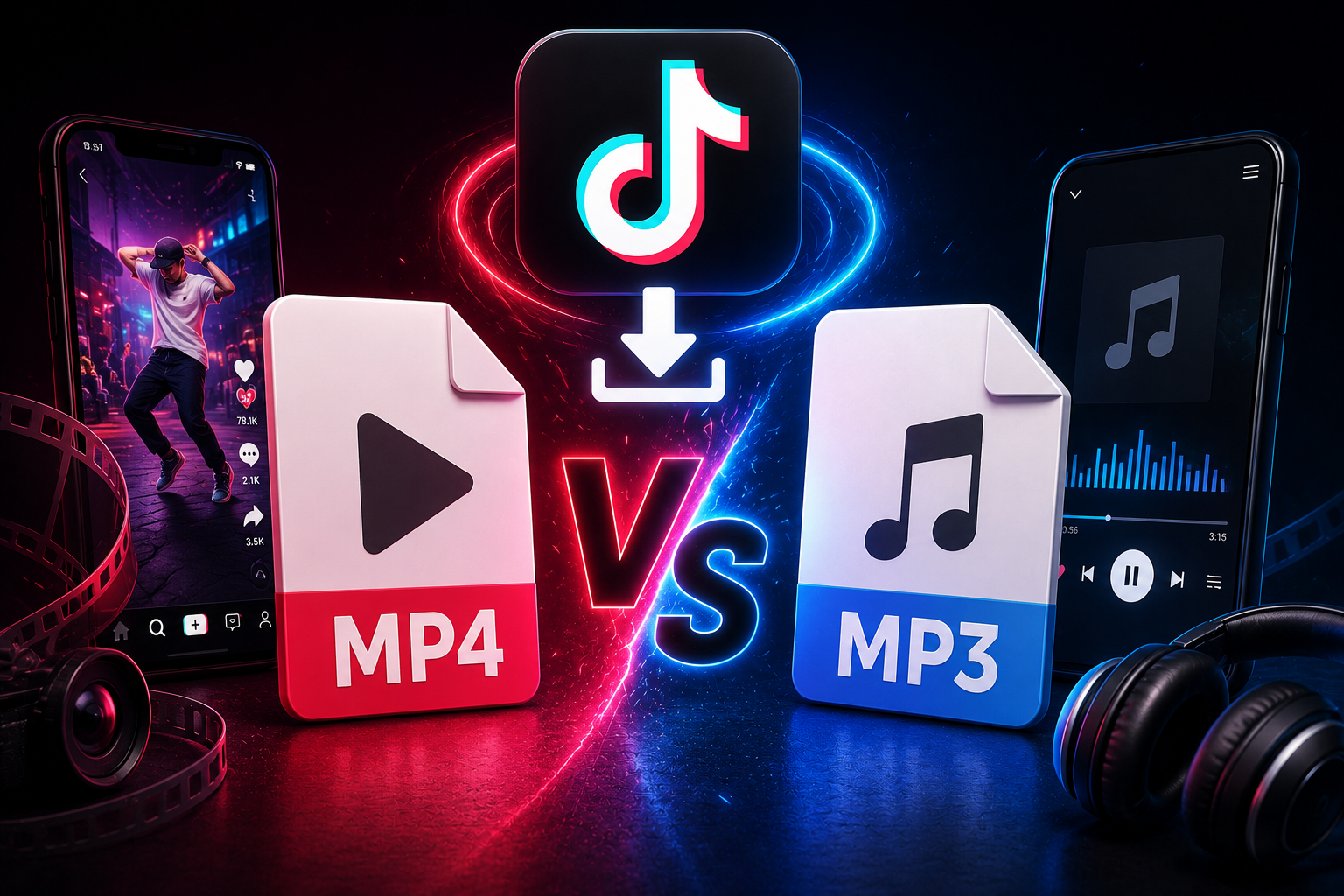
Table of Contents
- Demystifying Containers and Audio Codecs
- 1. When to Choose MP4: The Video Preservation Standard
- 2. When to Choose MP3: The Audio Extraction Vector
- 3. Bitrate, Quality Loss, and Transcoding Mechanics
- 4. The Ultimate Format Selection Matrix
- 5. Enhancing Your Local Asset Workflows
- Frequently Asked Questions
Demystifying Containers and Audio Codecs
When downloading media files through online scrapers, you are typically presented with a core choice: download the full MP4 file or extract just the MP3 audio track. Making the right choice is not just about choosing between video or audio; it directly impacts compression quality, storage usage, and how smoothly the files integrate into your video editing timelines or local media asset libraries.
To choose the right format, you first need to understand how these file types work under the hood. MP4 acts as a multi-media wrapper container capable of holding complex layers of H.264 video paths, synchronized AAC audio tracks, and variable descriptive text overlays all at once. MP3, by contrast, is a strictly audio-focused data stream that completely drops all visual information in favor of lightweight, easy-to-use audio files. Let's look closer at the technical performance details of both formats.
1. When to Choose MP4: The Video Preservation Standard
If your end goal involves analyzing on-screen choreography, archiving motion graphics layouts, repurposing reaction assets, or building a visual reference library, saving the full MP4 file is absolutely essential. The MP4 format captures every pixel, visual frame element, and spatial audio alignment exactly as it was originally published on the platform servers.
Furthermore, downloading a watermark-free MP4 via TikTop ensures your asset files remain completely unedited and ready for professional post-production. Editors can easily drop these clips directly into timeline spaces within Adobe Premiere, DaVinci Resolve, or CapCut without needing to render transcoded formats first. MP4 serves as a universal standard, maintaining perfect compatibility across mobile operating systems and professional desktop editing software alike.
2. When to Choose MP3: The Audio Extraction Vector
You don't always need the visual layout of a video. When tracking trending audio hooks, archiving voiceover scripts, scraping sound bites for music production, or pulling podcaster commentary tracks, choosing the audio-only MP3 path is a much smarter, more efficient choice.
Opting for an MP3 file completely cuts out the heavy visual data layers, shrinking the final file size down significantly. An audio file requires only a tiny fraction of the storage space needed for a full video clip. This makes MP3s incredibly quick to download, easy to share via text or messaging platforms, and perfect for sound designers who want to build massive background audio libraries without clogging up their local drives.
3. Bitrate, Quality Loss, and Transcoding Mechanics
When choosing your download format, it helps to understand the underlying data rates. TikTok’s delivery servers typically encode audio tracks using the Advanced Audio Coding (AAC) format wrapped inside the standard MP4 profile. When you request a direct MP3 download from a web extractor, the system performs a quick, real-time conversion process called transcoding.
Because both formats use lossy compression methods, converting an already compressed audio file to another format can sometimes result in a subtle drop in audio quality if the conversion isn't handled correctly. TikTop solves this problem by using high-fidelity encoding settings, outputs MP3 audio paths at an optimal 320kbps data rate. This preserves every frequency peak and vocal detail, delivering clean, crisp sound quality that is ready for any post-production project.
4. The Ultimate Format Selection Matrix
To help guide your next download session, use this technical comparison matrix to match the format to your project needs:
| Evaluation Factor | MP4 Media Container | MP3 Audio Vector |
|---|---|---|
| Payload Content | H.264 Video + AAC Audio Stream | Isolated Compressed Audio Only |
| Average File Footprint | 15MB – 40MB per minute | 1MB – 2.5MB per minute |
| Device Compatibility | Universal (iOS, Android, Windows, Mac) | Universal across all digital players |
| Primary Creative Use Case | B-Roll, Remix Visuals, Full Archiving | Sound Design, Trend Analysis, Music Remixes |
| Timeline Performance | Excellent native timeline playback | Flawless, lightweight sound staging |
5. Enhancing Your Local Asset Workflows
Smart creators don't just pick one format exclusively—they mix and match based on their current production needs. For example, if you are working on a comprehensive video essay project, download the full-resolution MP4 versions of your main clips first so you have all the visual B-roll ready for your timeline. Meanwhile, download secondary reference files or background commentary clips as lightweight MP3s to keep your project files running smoothly.
This hybrid approach prevents your computer from wasting processing power on video files you only intend to use for audio anyway. Keeping your file types balanced makes your editing sessions much faster, keeps your storage organized, and ensures your editing software runs at peak performance during heavy rendering tasks.
Frequently Asked Questions
Can I convert a downloaded TikTok MP4 into an MP3 file later?
Yes. You can use free local tools like Audacity, VLC, or FFmpeg commands to extract the audio track from an MP4 file down the road. However, downloading the direct MP3 directly from TikTop saves you an extra step and keeps your workflow moving fast.
Does downloading an MP3 clear out watermarks?
Yes. Because the visual video track is completely removed during the audio extraction process, all visual watermarks, logos, and username overlays disappear completely, leaving you with a clean audio file.
Which format works best for importing into mobile apps?
Both formats work great on mobile. If you are creating quick video edits on your phone using apps like CapCut, downloading the MP4 is usually your best bet since it gives you both the video and audio layers in a single import.
Ready to Grab Your Media Files?
Get pristine, high-fidelity MP4 videos or clean, isolated MP3 audio tracks directly from source servers using our free downloader today.
Launch TikTop Downloader
Related Content Strategy Guides
How to Organize Hundreds of Downloaded Videos
Stop drowning in digital clutter. Learn our expert framework for naming, structuring, and sorting.
Read Article →
TikTok Content Ideas for Beginners
Stuck on what to post? Discover actionable TikTok content ideas, video blueprints, and structural frameworks.
Read Article →
Future of TikTok Downloaders: What to Expect
An industry analysis exploring edge computing architectures, automated AI parsing, and platforms.
Read Article →