How to Spot Scam TikTok Download Apps
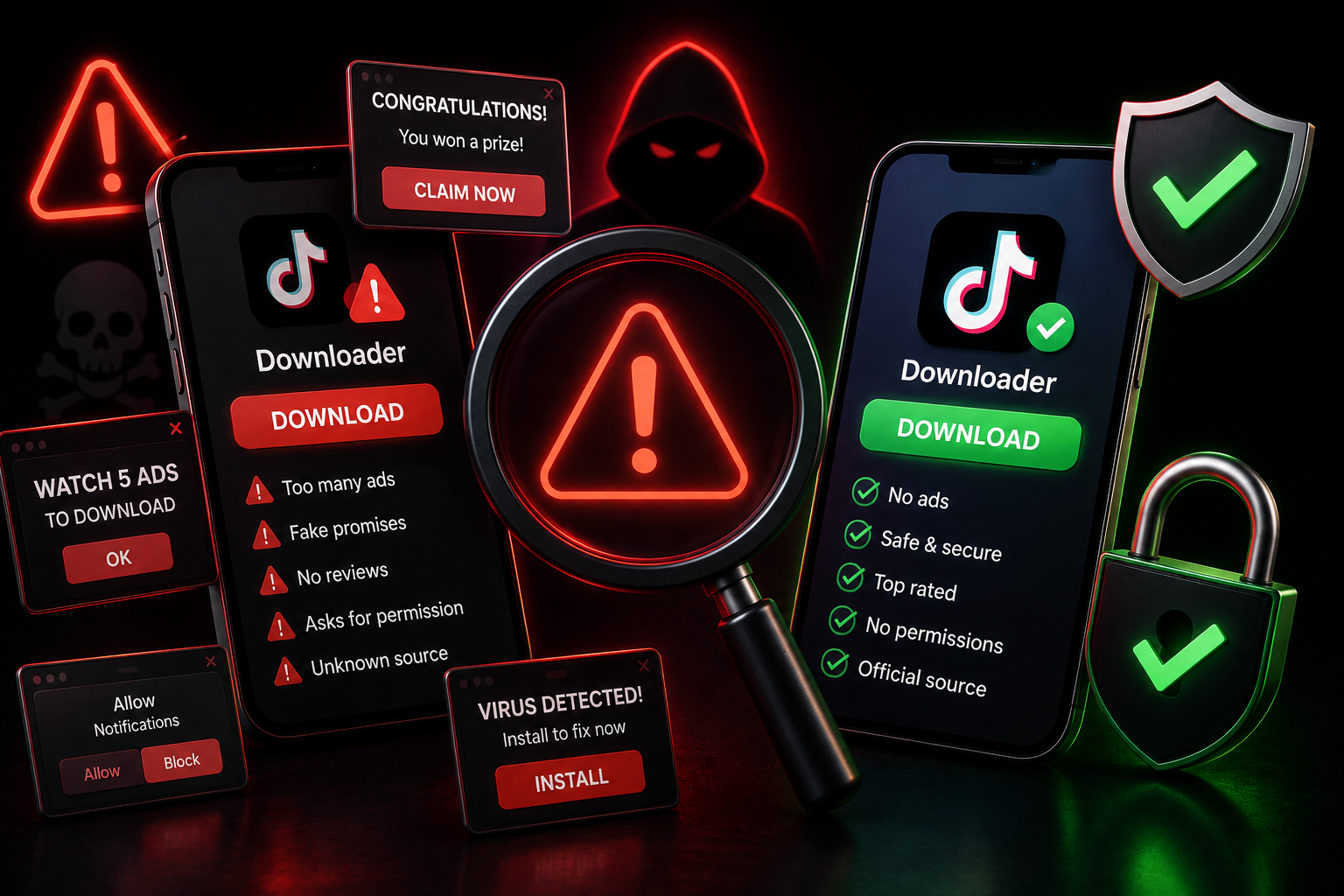
Table of Contents
The Dark Side of Downloading
Because downloading TikToks without a watermark is an incredibly popular request, scammers have flooded the market with fake websites and malicious apps. Their goal isn't to help you save videos; it's to steal your credentials, inject adware into your phone, or trap you in unwanted premium subscriptions. Knowing how to spot a scam app is critical to protecting your digital footprint.
Massive Red Flags to Look For
If you encounter a tool that displays any of the following behaviors, close the tab or delete the app immediately:
- Asking for Your Password: A legitimate downloader simply needs the public video URL. It will never ask you to "log in with TikTok" to process a download. If a site asks for your password, it is a phishing attempt.
- Forced Software Installations: If clicking "Download Video" suddenly prompts you to download an `.exe`, `.apk`, or a browser extension instead of an MP4 file, you are being tricked into downloading malware.
- Deceptive "Fake" Download Buttons: Many scam sites overload their pages with giant, flashy "DOWNLOAD NOW" buttons that are actually banner ads. Clicking them redirects you to sketchy sites.
- Hidden Subscription Fees: Some apps claim to be free but will quietly charge your Apple ID or Google Play account after a short, vaguely-worded "trial."
The Malware Risk
Installing shady apps outside of official App Stores (sideloading) is incredibly dangerous. These apps can contain background scripts designed to mine cryptocurrency using your phone’s processor, secretly read your text messages (including 2FA codes), or track your keystrokes. Even on official app stores, seemingly innocuous downloader apps have been removed post-launch after security researchers found them harvesting clipboard data.
How to Stay Safe
The safest way to download a TikTok video is to use a web-based, browser-only tool. By using a website rather than installing an app, you drastically limit the tool's access to your device’s internal systems.
Look for platforms like TikTop that process videos via the cloud and deliver a clean, direct MP4 file. Ensure the website uses HTTPS (a padlock in the URL bar), features a clean interface, and transparently explains its privacy policy.
Frequently Asked Questions
Is TikTop safe to use?
Yes. TikTop is a 100% web-based service. We do not require account creation, we don't ask for passwords, and we don't force you to install any software or extensions.
What should I do if I already downloaded a scam app?
Delete the app immediately from your device. If you entered your TikTok password, go to the official TikTok app and change your password right away. Turn on Two-Factor Authentication (2FA) if it isn't already active.
Why do scam sites ask for my login?
They use phishing tactics to hijack accounts. Once they have your login, they can sell your account, use it to spam comments, or impersonate you to scam your followers.
Download Securely Without Apps
Protect your device. Use our secure, cloud-based web downloader for all your TikTok saves.
Use Secure Downloader