TikTok Privacy Settings Every User Should Know
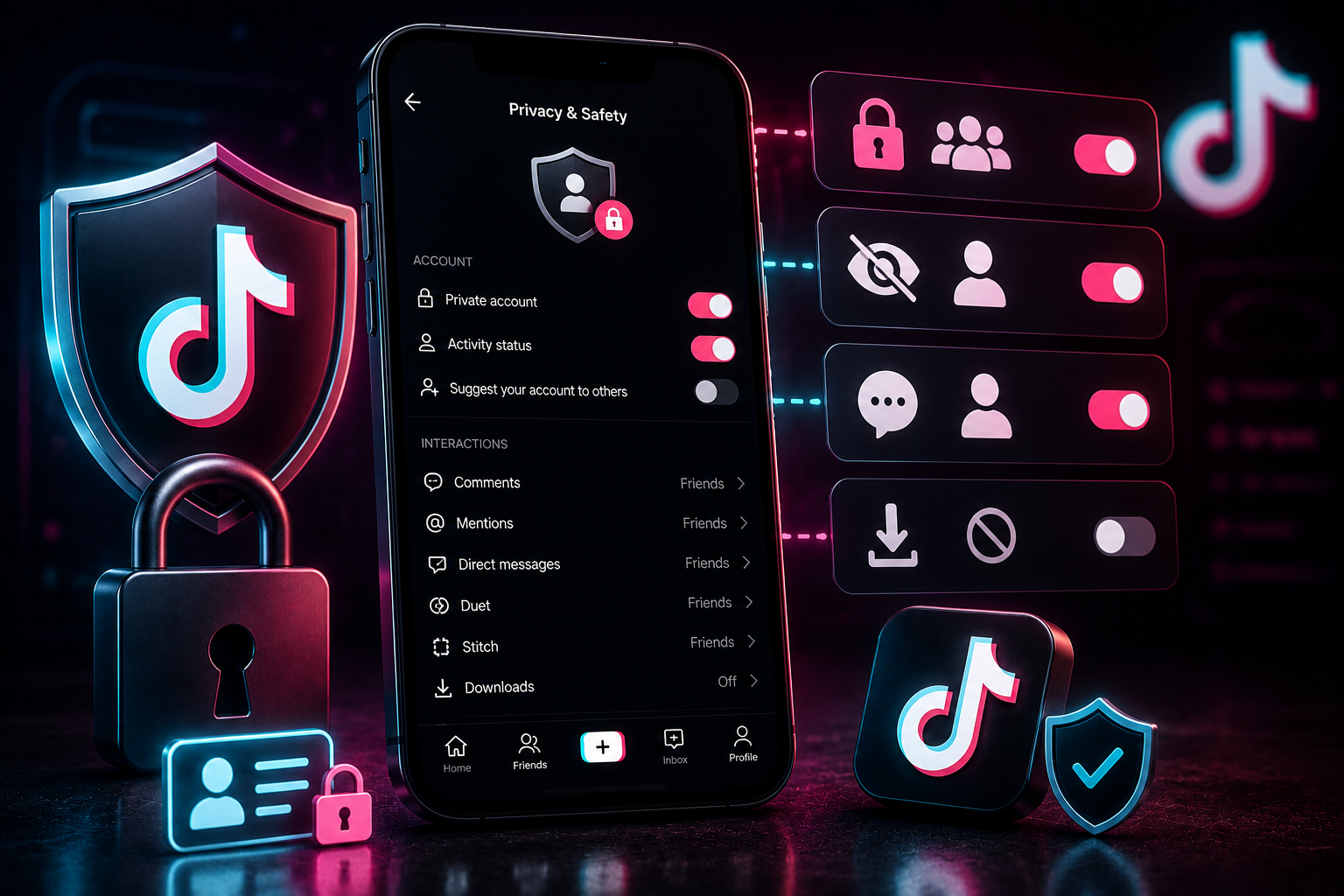
In 2026, managing your digital privacy on social media is more critical than ever. As automated AI scrapers, background tracking networks, and profile indexing bots become more common, leaving your account on its default settings can expose your personal data. While TikTok thrives on public interactions, the app's default setup prioritizes data gathering and content distribution over personal privacy.
Taking a few minutes to review your security and privacy settings can significantly reduce your public data footprint. This guide walks you through the essential adjustments needed to protect your account, control who sees your content, and minimize background tracking.
📑 Table of Contents
+1. Disabling Discoverability Tracking Networks
By default, TikTok actively suggests your profile to people in your offline network. It scans your phone contacts, cross-references your Facebook friendships, and links profiles through shared web links. This means colleagues, acquaintances, or people from your past can easily find your account through automated recommendations.
To keep your personal account truly private and separate from your real-world identity, update these settings:
- Go to your profile page, open the top-right menu, and select Settings and Privacy.
- Tap on Privacy, then choose Suggest your account to others.
- Turn off all options here, including Contacts, Facebook Friends, and People who open or send links to you.
Additionally, disable the Sync contacts and Facebook friends toggle to stop the platform from continuously reading your phone's contact directory.
2. Toggling Off the Native Download Loophole
When you leave your account's public download option turned on, anyone can save your videos directly to their device gallery. This makes it easy for other accounts to re-upload your clips without your permission, often using your content to gain views or run unauthorized ad campaigns.
To turn off native downloads, go to the Privacy menu, tap on Downloads, and toggle the Video Downloads switch to off. This removes the "Save Video" button from the app's interface for your posts.
Important Security Note: While turning off this setting disables the native download button inside the app, public posts can still be accessed through web browsers. If you need complete control over who can view and save your videos, switching your profile to a Private Account is the safest option.
3. Restricting Duet, Stitch, and Mention Permissions
Features like Duet and Stitch are great for community engagement, but they can also be used by bad actors to react to or criticize your personal clips without your consent. Leaving these options completely open allows anyone on the platform to repurpose your video files.
To manage how others can interact with your content, update the following preferences under your Privacy panel:
- Duet & Stitch: Change this permission from "Everyone" to "Friends" (accounts you follow back) or turn it off entirely by selecting "Only Me".
- Comments: Limit comment permissions to "Friends" or set up strict keyword filters to automatically hide unwanted messages.
- Mentions & Tags: Restrict who can tag or mention your username in descriptions to accounts you actually know, which prevents spam accounts from pulling your profile into random posts.
4. Anonymizing Profile Views and Direct Status Elements
TikTok includes features that show other users when you are active or when you visit their profiles. The Profile View History feature logs your visits to other pages, and if they have the setting active too, they can see exactly when you looked at their account.
If you prefer to browse anonymously, look for the Profile Views option under your Privacy settings and turn it off. Keep in mind that turning this off means you won't be able to see who visits your profile either. Next, find the Activity Status toggle and turn it off to hide the green online status indicator, allowing you to browse without showing friends when you are active.
5. Revoking Third-Party App Authorizations and Ad Tracking
Over time, many users connect their social media accounts to external games, video editors, or web tools. These third-party applications often retain access to your basic profile information long after you stop using them.
To clean up these connections, open Settings and Privacy, go to Security, and select Manage App Permissions. Review the list and revoke access for any tools you no longer use. Finally, navigate to the Ads menu and turn off Personalized Ads to stop the app from tracking your off-platform browsing habits for targeted marketing.
6. Privacy Setting Summary Guide
Use this reference table to quickly audit and secure your profile's privacy settings:
| Setting Name | Default State | Recommended Secure Setting |
|---|---|---|
| Suggest Account to Others | Enabled (All) | Disabled (Turn off all toggles) |
| Video Downloads | Enabled | Disabled |
| Duet & Stitch Permissions | Everyone | Friends or Only Me |
| Profile View History | Enabled | Disabled |
| Personalized Ad Data | Enabled | Disabled |
Need to Safely Archive Your Personal Content?
If you want to save copies of your own videos before switching your account to private, use TikTop to download your content cleanly through your web browser without entering any personal account details.
Try TikTop Now