Downloading TikTok Videos for Presentations and School Projects
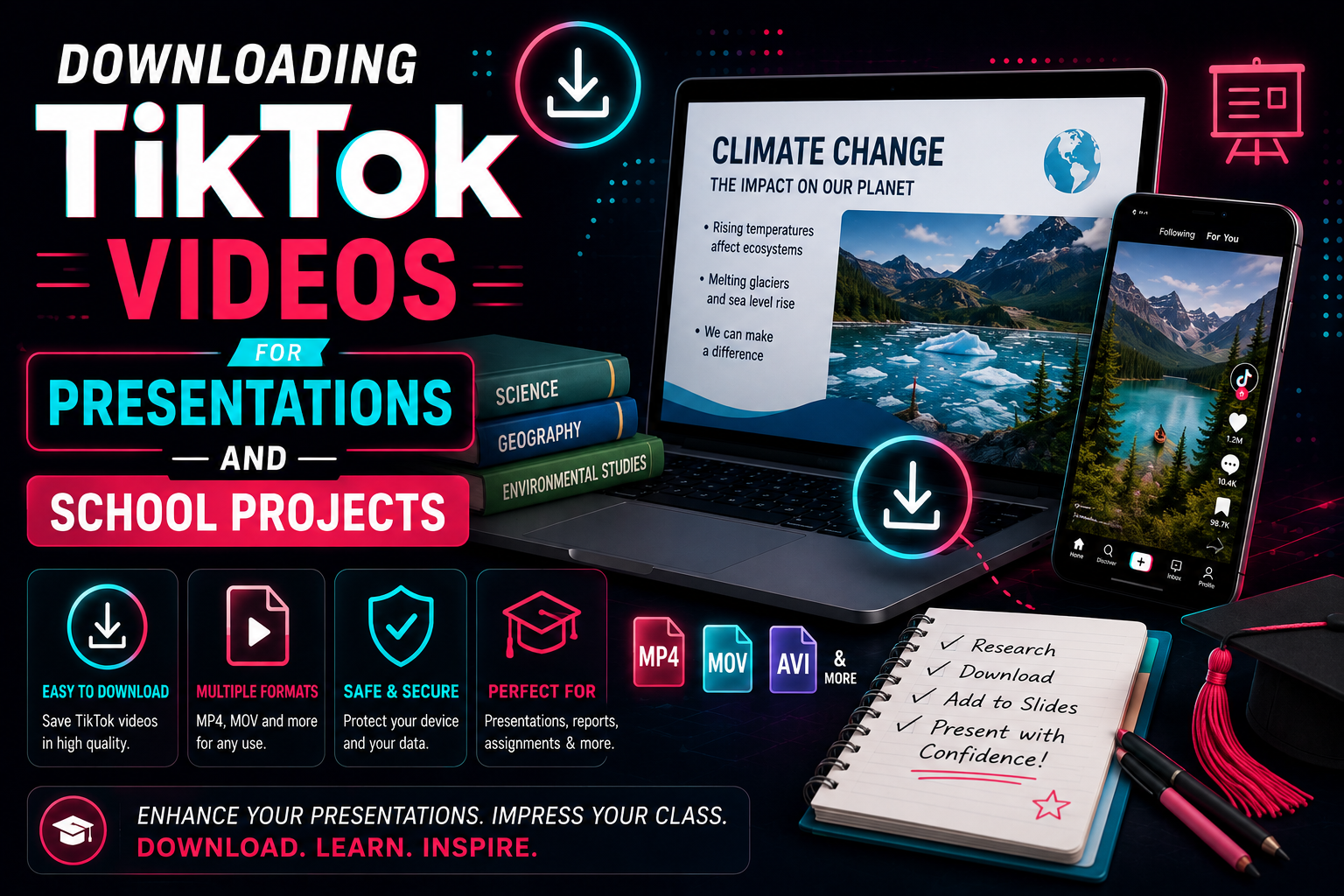
Table of Contents
- Introduction to Educational TikTok Media
- Why Use TikTok Videos in Presentations?
- Finding and Verifying Reliable Content
- Step-by-Step Guide to Downloading Videos
- Embedding Videos in Google Slides and PowerPoint
- The Importance of Watermark-Free Videos
- Fair Use and Copyright Considerations
- How to Properly Cite TikTok in Academic Formats
- Frequently Asked Questions
Introduction to Educational TikTok Media
In recent years, the landscape of education and corporate presentations has shifted drastically. Gone are the days when a presentation meant a monotonous series of text-heavy slides read aloud to an unengaged audience. Today, captivating an audience requires dynamic, multi-modal elements. One of the most potent tools for this is short-form video, with TikTok leading the charge. While often viewed purely as an entertainment platform, TikTok has blossomed into an incredibly rich repository of educational content, micro-documentaries, scientific demonstrations, and expert commentary.
Using TikTok videos for school projects and professional presentations can dramatically increase audience engagement, clarify complex concepts through visual demonstrations, and break up the pacing of a long lecture. However, integrating these videos directly into your presentation files requires a clear understanding of digital extraction, formatting, and proper citation. Relying on live internet connections to stream a video during a crucial pitch or academic defense is a recipe for technical disaster. Downloading the video guarantees offline reliability. This comprehensive 1500+ word guide will walk you through everything you need to know about legally and professionally utilizing TikTok media for your projects.
Why Use TikTok Videos in Presentations?
The human brain processes visual information thousands of times faster than text. When you integrate high-quality, relevant TikTok clips into your project, you're tapping into a modern medium that your audience already intuitively understands and enjoys. Here are the core reasons to adopt this strategy:
- Attention Retention: The fast-paced, highly edited nature of TikTok videos is designed specifically to capture and hold attention. Inserting a 30-second clip can instantly wake up a passive audience.
- Expert Access: Thousands of verified professionals—from NASA scientists and practicing lawyers to historians and linguists—share bite-sized insights on the app. It allows you to bring a "guest speaker" into your presentation for a few moments.
- Visualizing the Abstract: Concepts that are difficult to explain purely through text, such as complex chemical reactions, historical timelines, or mathematical algorithms, are often beautifully visualized by educational creators on TikTok.
- Cultural Relevance: For marketing, sociology, or communications projects, highlighting current trends on TikTok provides primary source material of modern cultural zeitgeists.
By leveraging these advantages, you elevate your presentation from a standard academic requirement to an engaging, multimedia experience that leaves a lasting impression on your teachers, professors, or colleagues.
Finding and Verifying Reliable Content
The open nature of social media means misinformation is as easily accessible as factual data. When sourcing TikTok videos for an academic or professional setting, stringent vetting is required. You cannot simply download the first video that pops up under a hashtag.
Start by verifying the creator's credentials. Are they a licensed professional, an academic institution, or a recognized news outlet? Look for the blue verification checkmark, but don't rely on it exclusively. Check the creator's bio for links to professional portfolios, university affiliations, or published works. Additionally, cross-reference the claims made in the video with peer-reviewed journals or trusted news sources.
When searching for content, use specific, academic-leaning keywords alongside the general topic. For example, instead of searching "space," search "astrophysics explained" or "James Webb Telescope data." Utilize the platform's filter features to find the most "liked" or "relevant" videos within the last six months to ensure the information is up-to-date. Keep a meticulous record of the URLs of every video you consider, as you will need them later for downloading and citation.
Step-by-Step Guide to Downloading Videos
Once you have identified the perfect video, you need to extract it safely. Presenting via a live link is risky; Wi-Fi can drop, the creator might delete the video, or pre-roll ads might interrupt your flow. Downloading ensures you have a permanent, offline copy. Here is the safest way to do it using specialized web tools:
Step 1: Obtain the Link. On the TikTok app or website, navigate to the target video. Click the "Share" arrow icon on the right side of the screen and select "Copy Link." If you are on a desktop browser, simply copying the URL from the top address bar works just as well.
Step 2: Use a Trusted Downloader. Navigate to a secure, web-based tool like TikTop. Avoid downloading obscure mobile apps that require excessive permissions. Web-based extractors process the file on their servers, protecting your device from potential malware.
Step 3: Paste and Process. Paste the copied link into the designated input field and hit "Download." The tool's servers will instantly interface with TikTok's content delivery network to locate the raw MP4 file.
Step 4: Select Watermark-Free. This is crucial for presentations. Always select the "No Watermark" or "HD" option. The system will strip the bouncing platform logo and creator handle from the video feed, leaving you with clean, professional source footage.
Step 5: Save Locally. Once processed, save the file directly to your presentation folder on your hard drive. We recommend renaming the file immediately to something descriptive (e.g., "Photosynthesis_Explanation_Smith.mp4") rather than leaving it as a string of random numbers.
Embedding Videos in Google Slides and PowerPoint
With your MP4 file secured, the next step is seamless integration into your presentation software. The goal is to have the video play automatically or with a single click, without forcing you to exit your slideshow to open a media player.
For Microsoft PowerPoint:
PowerPoint handles local video files exceptionally well. Navigate to the slide where you want the video. Click on the "Insert" tab at the top ribbon, select "Video," and then choose "Video on My PC." Locate your downloaded MP4 file and insert it. Once the video is on the slide, click on it to reveal the "Video Format" and "Playback" tabs. Under "Playback," change the "Start" option from "In Click Sequence" to "Automatically" if you want it to play as soon as you reach the slide. You can also trim the video directly within PowerPoint if you only need a specific 10-second segment of a 60-second clip.
For Google Slides:
Google Slides is cloud-based, meaning it cannot play a video directly from your computer's local hard drive. You must first upload your downloaded MP4 file to your Google Drive. Ensure the sharing settings on the video file in Drive are set to "Anyone with the link can view" to avoid playback errors if you present from a different computer. Then, in Google Slides, go to "Insert" > "Video" > "Google Drive" and select your uploaded file. Similar to PowerPoint, you can use the "Format Options" sidebar to set autoplay preferences and trim the start and end times.
The Importance of Watermark-Free Videos
Why go through the trouble of using a third-party tool to remove the watermark instead of just using the native "Save Video" feature? The answer lies in professional aesthetics and audience distraction.
The native TikTok watermark constantly bounces around the edges of the screen, pulling the viewer's eye away from the central content. In an academic or corporate setting, this pulsating logo diminishes the perceived professionalism of your slides. It breaks the "fourth wall" of your presentation, reminding the audience they are watching a social media clip rather than an integrated piece of multimedia evidence. Using a tool like TikTop to extract a clean, unbranded MP4 ensures your visual aids look bespoke and cohesive with the rest of your meticulously designed deck.
Fair Use and Copyright Considerations
Using someone else's content in your presentation brings up valid concerns regarding copyright. Fortunately, educational and school projects generally fall under the doctrine of "Fair Use."
Fair Use is a legal principle that allows limited use of copyrighted material without acquiring permission from the rights holders. For a use to be considered "fair," it generally must be for purposes such as criticism, comment, news reporting, teaching, scholarship, or research. Since school presentations and internal corporate educational seminars fit perfectly into these categories, downloading and displaying a TikTok video is highly likely to be protected.
However, Fair Use is a defense, not a blanket immunity. To ensure you stay on the right side of the rules: do not use the video to generate direct profit; use only the amount of the video necessary to make your point (e.g., trim it down); and, most importantly, always provide clear and accurate attribution to the original creator. This brings us to proper citation.
How to Properly Cite TikTok in Academic Formats
Just because a video is from social media does not mean it is exempt from rigorous academic citation standards. Failing to credit the creator is a form of plagiarism. Both the American Psychological Association (APA) and the Modern Language Association (MLA) have updated their guidelines to include specific structures for citing TikTok.
APA Format (7th Edition)
The general structure for a TikTok video in APA is:
Author, A. A. [@username]. (Year, Month Date). Content of the post up to the first 20 words [Video]. TikTok. URL
Example:
Nye, B. [@billnye]. (2022, March 14). Here is how the water cycle actually works, explained in 60 seconds [Video]. TikTok. https://www.tiktok.com/@billnye/video/1234567890
MLA Format (9th Edition)
The general structure for a TikTok video in MLA is:
@username. "Title or description of the video." TikTok, Day Month Year, URL.
Example:
@sciencemike. "Understanding quantum entanglement." TikTok, 12 Nov. 2023, https://www.tiktok.com/@sciencemike/video/0987654321.
Always include an in-text citation on the slide where the video appears, usually tucked neatly into the bottom corner in a small but readable font (e.g., "Source: @username, TikTok, 2023").
Frequently Asked Questions
Is it legal to download TikTok videos for a class presentation?
Yes, utilizing downloaded media for a localized school project or classroom presentation typically falls safely under the "Fair Use" educational exemption, provided you are not redistributing the video for profit and you properly cite the original creator.
My presentation software says the video format is unsupported. What should I do?
TikTok videos are natively extracted as MP4 files encoded with H.264 or H.265 codecs. Almost all modern software (PowerPoint 2013+, Keynote, Google Slides) supports this. If you encounter an error, it is likely an issue with your local media players or an outdated version of Office. Ensure you use a reliable tool like TikTop to get standard MP4 files.
Can I edit the downloaded video before putting it in my slides?
Absolutely. Once you have the raw MP4 file, you can bring it into software like iMovie, Adobe Premiere, or even basic web editors to trim the length, add your own overlay text, or mute the audio before dropping it into your presentation.
How do I make sure the audio from the video plays during my presentation?
When presenting in person, ensure your laptop is connected to the room's sound system, either via an HDMI cable that carries audio or an auxiliary cable. If presenting virtually via Zoom or Microsoft Teams, you must check the box that says "Share Computer Sound" or "Include System Audio" when you share your screen.
Ready to Upgrade Your Next Presentation?
Don't let buffering and watermarks ruin your grade or your pitch. Secure high-definition, offline assets instantly.
Download Your First Video Now
Related Content Strategy Guides
How to Organize Hundreds of Downloaded Videos
Stop drowning in digital clutter. Learn our expert framework for naming, structuring, and sorting.
Read Article →
MP4 vs MP3: Which Format Is Best?
Deep format breakdowns for video extraction, audio isolation, and audio-visual workflow deployment.
Read Article →
TikTok Content Ideas for Beginners
Stuck on what to post? Discover actionable TikTok content ideas, video blueprints, and structural frameworks.
Read Article →